
New · File manager
Every document ends up with the right colony.
Inbox, assignment suggestion, search by content
The comb photo sits in the camera roll, the treatment receipt as an attachment in some email, the lab report in the downloads folder. The file manager collects it all in one place – and suggests by itself which colony or apiary it belongs to.
- Photos
- Word & Excel
- Videos
- + Search by content
Your documents are everywhere today
Not because nobody keeps order – but because every file ends up where it arrives. The photo in the gallery, the receipt in the mailbox, the invoice in the downloads folder.
Scattered
- The comb photo sits in the camera roll between family pictures
- The treatment receipt stays an attachment in an email from three months ago
- To find a file again you have to know what it is called
- And it does not belong to the colony anyway – that only lives in your head
In the file manager
- Everything waits in the inbox until you decide where it belongs
- The assignment suggestion is already there – accepting it is enough
- You search by content, not by file name
- After that the document hangs on the colony or the apiary, for good
Filed in three moves
- Send it in or drag it inUpload it from the phone, drag it into the window on the computer, or simply send it as an attachment to forward@bee-pilot.io. Everything lands in the inbox first – at that moment you do not have to know yet where it belongs.
- Accept the suggestionWhile you carry on working, bee-pilot.io reads the document. If it matches a colony or an apiary, the card carries a green tick – and the dialogue opens with the suggestion already selected. One click, and it sits in the right place.
- Find it again without knowing its nameAfter that the document sits with the colony or the apiary. You can still search across everything – by content, by file name or by period.
Selecting several cards and assigning them in one go works too. On the computer it is enough to drag them onto the apiary or the colony.
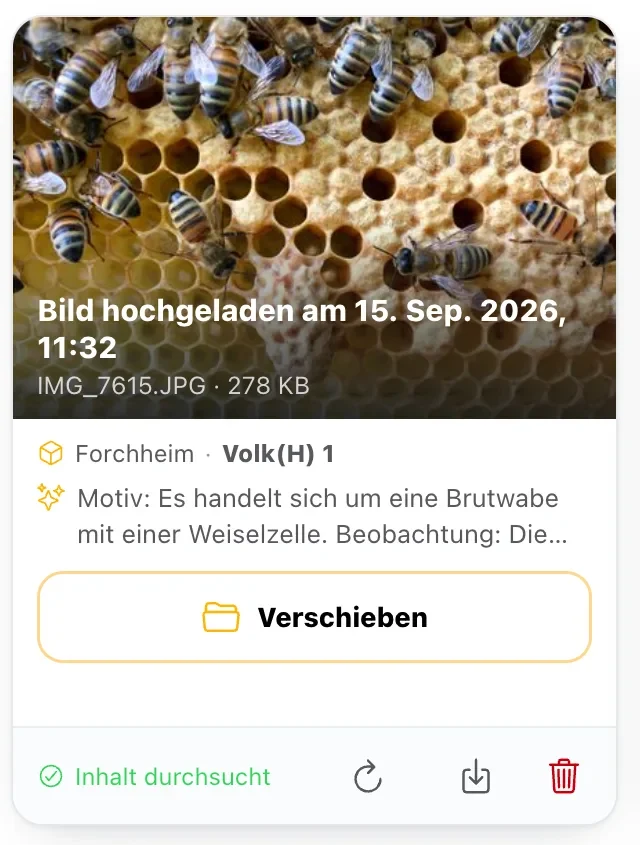
The suggestion comes out of the photo
A picture from the apiary carries more information than you can see. If the QR code of the site is on it, the matter is settled. Otherwise the place of capture from the image data, a readable site number on the hive or on a note – and whatever was recognised in the picture itself – all help. Out of that comes a suggestion that you confirm or discard. If it points only to an apiary, you pick the colony in the same dialogue.
Whatever is inside, you will find again
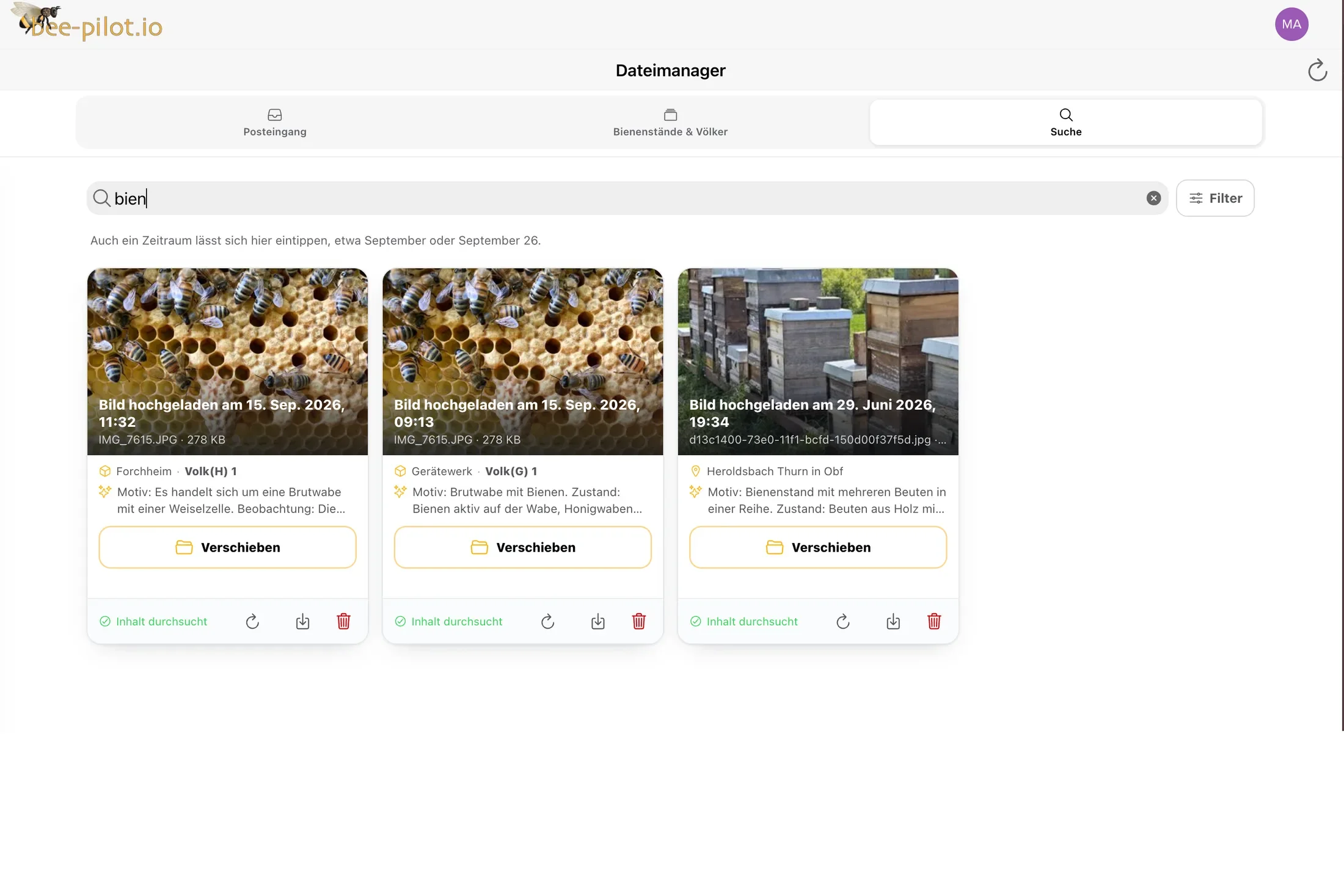
Every document is read after it is uploaded – photos just as much as PDF, Word or Excel. From then on you search by that content. A phone photo is called IMG_7615.JPG and is still findable as a brood comb with a queen cell; you find an invoice by its line item, not by the invoice number you no longer remember.
Just send it over by mail
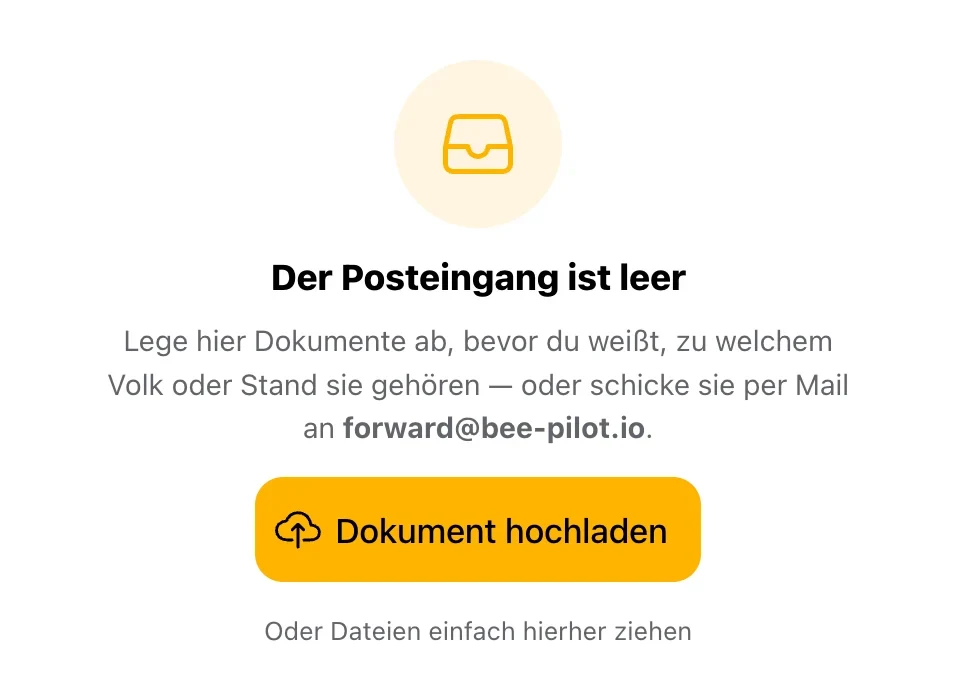
The lab report arrives as an email, and so does the dealer’s invoice. Instead of downloading it and uploading it again, you forward the mail to forward@bee-pilot.io. Seconds later the attachment is in your account’s inbox, and you get a short confirmation back – with the number of documents taken over.
At the apiary just like at the desk
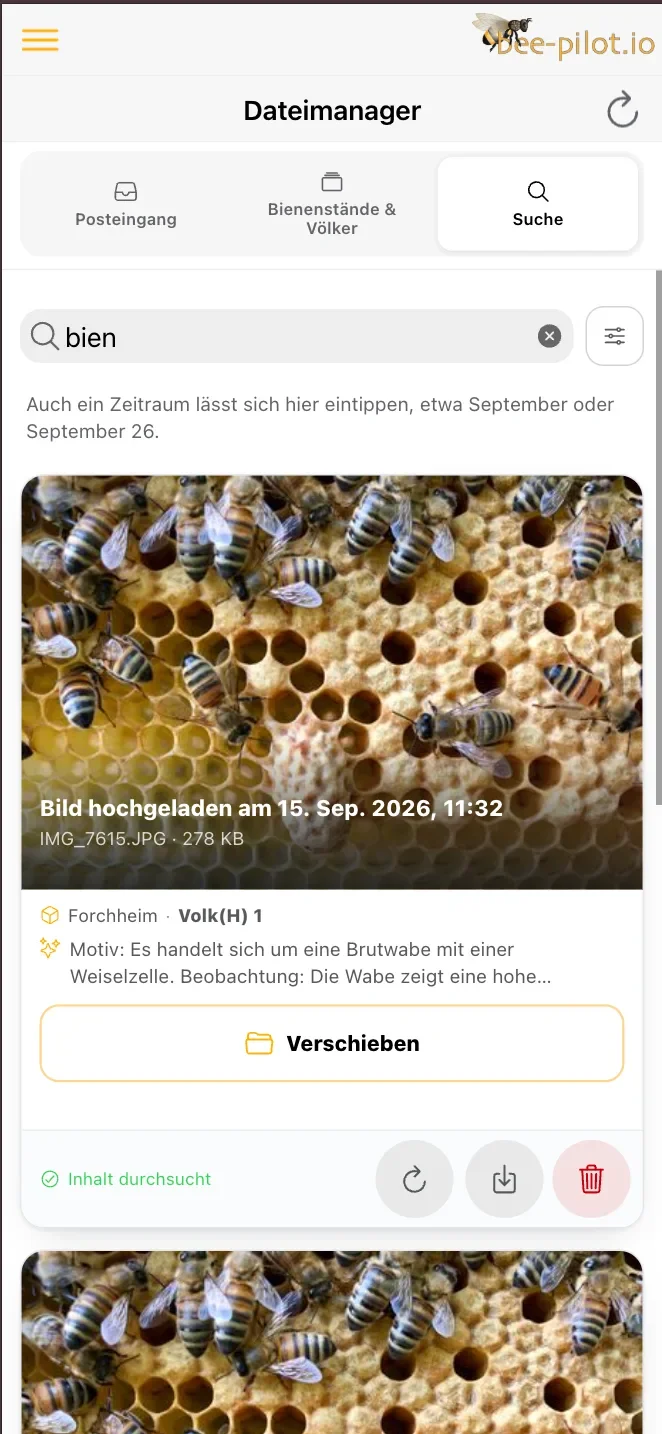
The same view in your pocket – search field, filters, cards one below the other. If you are standing in front of the hive wondering when it was last treated, you type two letters instead of opening the computer that evening.
What else comes with it
No second program, no folder system, no naming convention. The file manager sits in the same application as your colonies.
The usual formats
Photos, PDF, Word, Excel, PowerPoint, text and short videos. Up to 20 MB per file, up to 10 MB for videos.
Checked before it is filed
Every file passes a malware check before it is stored. Anything that stands out never reaches your inbox in the first place.
Counted where you look
In the list of your apiaries and colonies, every row states how many documents are filed there. An empty row is visible at once.
Several at once
Select cards and assign them together. On the computer it is enough to drag them onto the apiary or the colony.
Type in a period
“September” or “September 26” in the search field is enough. For anything more precise there are filters by file type, apiary, colony and date.
Out again whenever you want
Every document can be downloaded individually in its original – and deleted, without asking anyone.
Where the limits are
The file manager is the archive of your beekeeping, not the one for everything. Three limits therefore stated plainly.
- Audio recordings are not accepted – spoken words belong in the voice inspection
- Videos up to 10 MB, all other files up to 20 MB
- An email from an address that belongs to no account is neither filed nor answered
Frequently asked questions
What happens to an email sent to forward@bee-pilot.io?
The attachment lands in the inbox of the account the sender address belongs to, and you get a short confirmation back. If the address belongs to no account, nothing is filed and nothing is answered – a sender address can be forged, and the reply would then reach someone who never wrote.
How does bee-pilot.io know which colony a photo belongs to?
From the picture itself. If the QR code of the site is on it, it is unambiguous. Otherwise the place of capture from the image data, a readable site number and the recognised content count. A suggestion stays a suggestion – nothing is assigned until you confirm.
Do I have to decide straight away where a document belongs?
No, that is exactly what the inbox is for. A document may stay there until you have time. It is searched from the very beginning anyway.
Will I find something again that I never named?
Yes. You search by the recognised content, not only by the file name. A photo from the phone is called IMG_7615.JPG and is still findable as a brood comb with a queen cell.
Does the file manager cost extra?
No. It belongs to your access, there is no separate package and no surcharge for it: View prices